DM Mono with Fira Code ligatures
I’ve created a ligaturized version of DM Mono by adding Fira Code ligatures. You can download it from GitHub: https://github.com/nanxstats/dm-mono-ligaturized.
Why ligatures?
I’ll confess: I can’t start real work until I’ve found a coding font that fits the vibe of the day. My dotfiles are fairly basic, but they include an extensive list of free and commercial monospaced fonts that I rotate through regularly.
After years of font-hopping, things started to feel stale. So I decided to create something new by modifying a less commonly modified monospaced font: DM Mono, designed by Colophon Foundry for DeepMind (now Google DeepMind).
If you’re wondering whether ligatures are worth the trouble, I wrote about this in a previous post exploring how ligatures can improve readability when working with special tokens in GPT models. The short version: ligatures reduce cognitive load by rendering multi-character sequences as single, visually distinct glyphs.
How it works
Thanks to ToxicFrog/Ligaturizer, a collection of FontForge scripts written in Python, patching fonts with Fira Code ligatures is surprisingly straightforward.
The build process is wrapped in a Makefile. The result is six font files covering light, regular, and medium weights, each with an italic variant. As usual, it’s licensed under the SIL Open Font License.
What makes DM Mono special
DM Mono has some distinctive design choices that I wanted to highlight. In my opinion, these glyphs are what give DM Mono its character:
0 ? @ [ ] f i j k l r t yAfter patching, you get these common ligatures from Fira Code, frequently used in Python, R, Rust, TypeScript, and the command line:
<- -> => ==> |> :: :::
== != >= <= === || //
For comparison, here’s vanilla DM Mono without ligatures:
<- -> => ==> |> :: :::
== != >= <= === || //
Opinionated defaults
Not all Fira Code ligatures fit DM Mono’s aesthetic. These sequences either have quirky ligatures in Fira Code that feel out of place, or can be easily triggered under the wrong context, so I’ve disabled them. They render as individual DM Mono characters instead, as shown below:
&& ~@ \/ .? ?: ?= ?. ?? ;; /\If you disagree with these choices, the Makefile makes it easy to adjust. The ligature configuration is filtered using awk, so adding back or removing more ligatures is just a matter of editing a few lines.
Setting it up
Install the fonts from the fonts/ directory using your OS font manager.
For VS Code and its forks, add this to your settings.json:
"editor.fontFamily": "'Liga DM Mono', monospace",
"editor.fontLigatures": "'calt', 'liga'",
"terminal.integrated.fontFamily": "'Liga DM Mono', monospace",
"terminal.integrated.fontLigatures.enabled": true,
For Ghostty, set the font family in your config:
font-family = Liga DM MonoWhen to use it
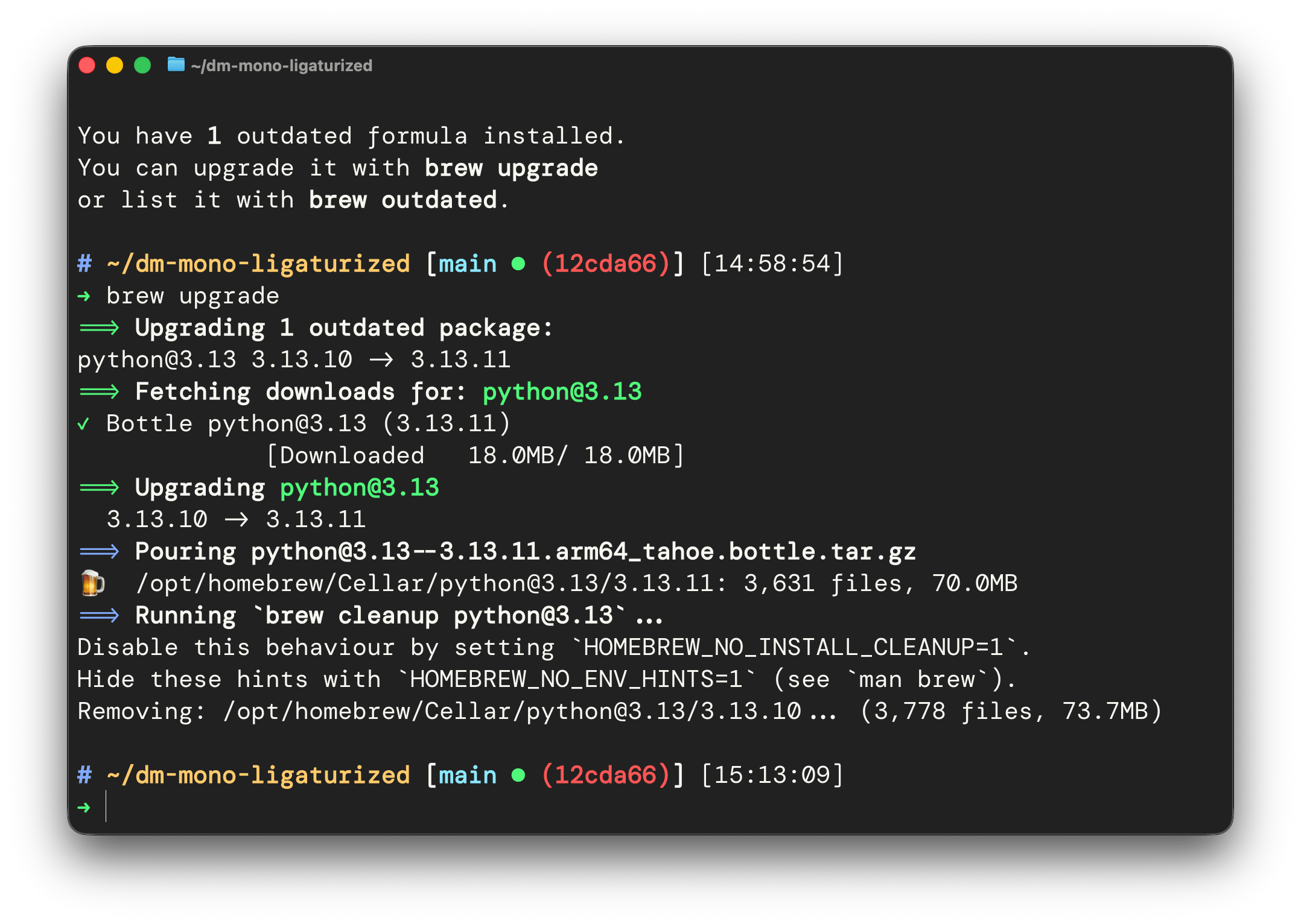
I find this ligaturized DM Mono works particularly well for terminal use. For code editors, I’m currently switching between TheSansMono (for long-form writing) and JetBrains Mono/Twilio Sans Mono (for code). But your mileage may vary. The only way to know is to try everything and see what works for you.